

Ghost Templates, Halloween Craft for Kids, Add Your Own Face Activity, 10 Unique Designs, PDF + PNG Files, Coloring Version Included, 300 DPI, A4
Ghost Templates, Halloween Craft for Kids, Add Your Own Face Activity, 10 Unique Designs, PDF + PNG Files, Coloring Version Included, 300 DPI, A4
Couldn't load pickup availability
Make Halloween crafting more personal with Ghost Templates, a fun add-your-own-face activity that lets children create their own ghost characters. With 10 Unique Designs, kids can add a photo, cut out the pieces, and assemble a personalized craft. This activity works well for Preschool, Pre-K, Kindergarten, and elementary classrooms, homeschool, early finishers, family craft time, and Halloween parties.
The set includes PDF + PNG Files with Transparent Background in US Letter 8.5" × 11" and A4 sizes. Coloring Version Included gives children another way to personalize their ghost, while the transparent PNG files make photo customization simple. All files are High Resolution 300 DPI for clean printing and can be used for classroom activities, bulletin board displays, Halloween decorations, party projects, or creative time at home.
Add this hands-on activity to your Halloween plans and let children create a ghost featuring their own photo. The set includes a How to Insert a Photo into a Frame in Canva guide + Video Tutorial Included, making the customization process easy to follow even without design experience.
• Instructions for PDF
1. Open PDF – Open the file in a PDF reader.
2. Print – Print the body template on US Letter (8.5" × 11") or A4 paper.
3. Cut & Add Face – Cut out the body and glue your face photo.
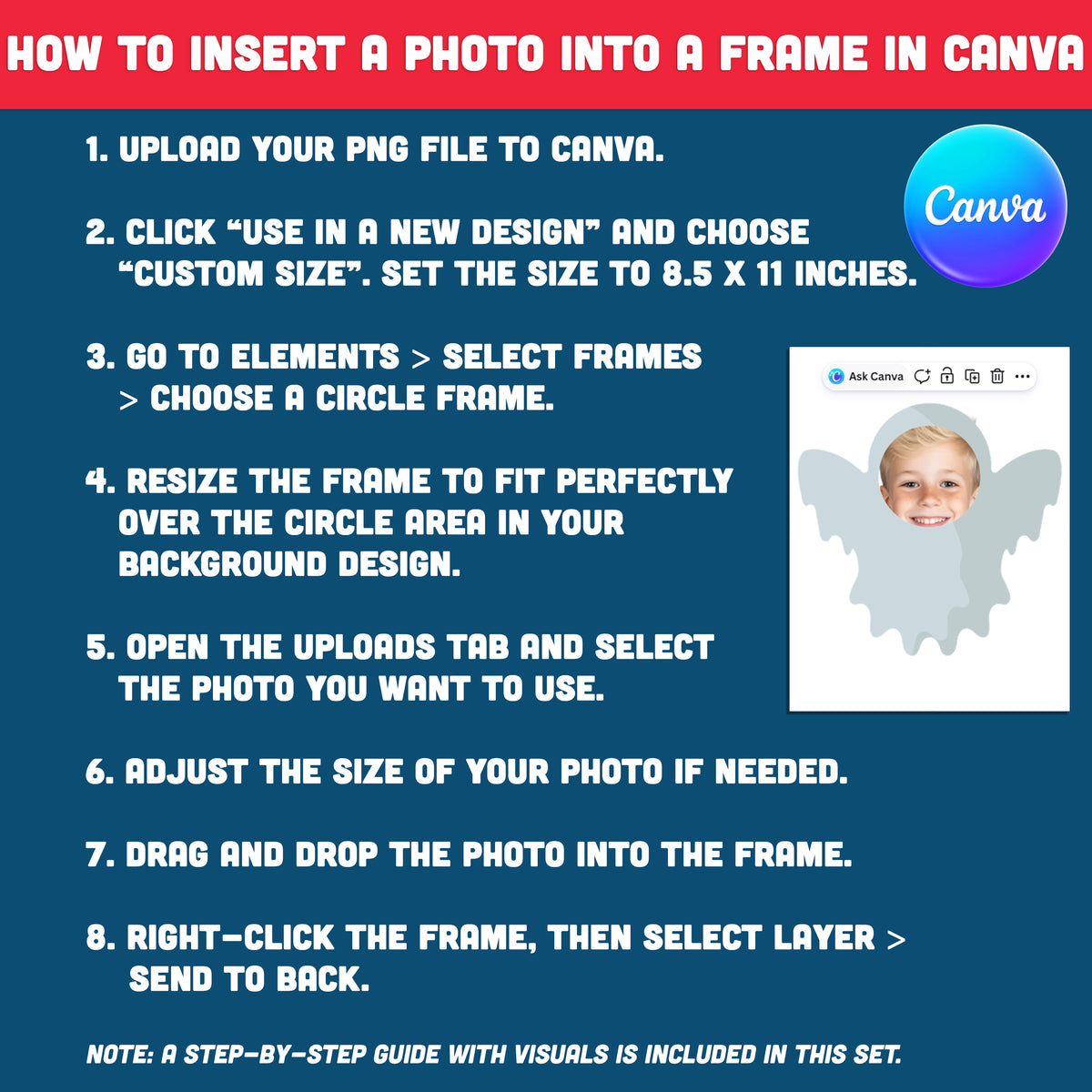
• How to Insert a Photo into a Frame in Canva
1. Upload your PNG file to Canva.
2. Click “Use in a new design” and choose “Custom size”. Set the size to 8.5 x 11 inches or A4.
3. Go to Elements → select Frames → choose a circle frame.
4. Resize the frame to fit perfectly over the circle area in your background design.
5. Open the Uploads tab and select the photo you want to use.
6. Adjust the size of your photo if needed.
7. Drag and drop the photo into the frame.
8. Right-click the frame, then select Layer → Send to back.
. . . . . . . . . . . . . .
WHAT YOU WILL RECEIVE
• You’ll receive a ZIP file including 10 PDFs + 10 PNGs and 10 Coloring Pages, all in 300 DPI and ready to use. The set also includes a How to Insert a Photo into a Frame in Canva guide and a video tutorial, making it easy to customize even with no design experience.
• Digital download only. No physical product will be shipped.
• Print at home or at your local print shop.
• Includes US Letter (8.5" × 11") and A4 print sizes. For best results, print on cardstock.
. . . . . . . . . . . . . .
JUST DOWNLOAD, PRINT, AND GET STARTED
* This item comes as a high-resolution file that you can download straight after purchasing.
* You can print as many copies as you want.
. . . . . . . . . . . . . .
NOTE
* This is a digital item.
* No physical product or printed material will be shipped.
* Following payment, you'll receive a download link where you can download the digital files for this product instantly.
* No refunds as this is a digital product.
. . . . . . . . . . . . . .
TERMS OF USE
» Personal Use. You may print the files as many times as you like for your own personal use.
» Reselling or sharing is not allowed.
» All sales are final due to the nature of digital products.
» Copyright © Little Melon Press. Copyright does not transfer with sale.
Share