

Kids Ride-On Dinosaur Craft, Add Your Own Face Printable, Dinosaur Rider Costume Template, Cut and Paste Activity, Coloring Version
Kids Ride-On Dinosaur Craft, Add Your Own Face Printable, Dinosaur Rider Costume Template, Cut and Paste Activity, Coloring Version
Couldn't load pickup availability
Add a playful twist to your craft time with this Kids Ride-On Dinosaur Craft, Add Your Own Face Printable. This engaging activity invites kids to transform into dinosaur riders using their own photos, creating a keepsake that’s both fun and personal. It works beautifully for classroom centers, home learning, party setups, or creative free-time activities.
You’ll receive 10 Unique Designs (Light + Dark Skin Tone, PDF + PNG with Transparent Background), Coloring Version Included, all designed in high resolution 300 DPI to ensure clean, professional-looking prints. With both ready-to-use and coloring options, this set supports a range of activities—from quick projects to more detailed creative sessions. Ideal for parents, teachers, homeschoolers, bulletin boards, and collaborative classroom fun.
• Instructions for PDF
1. Open PDF – Open the file in a PDF reader.
2. Print – Print the body template on 8.5"x11" paper.
3. Cut & Add Face – Cut out the body and glue your face photo.
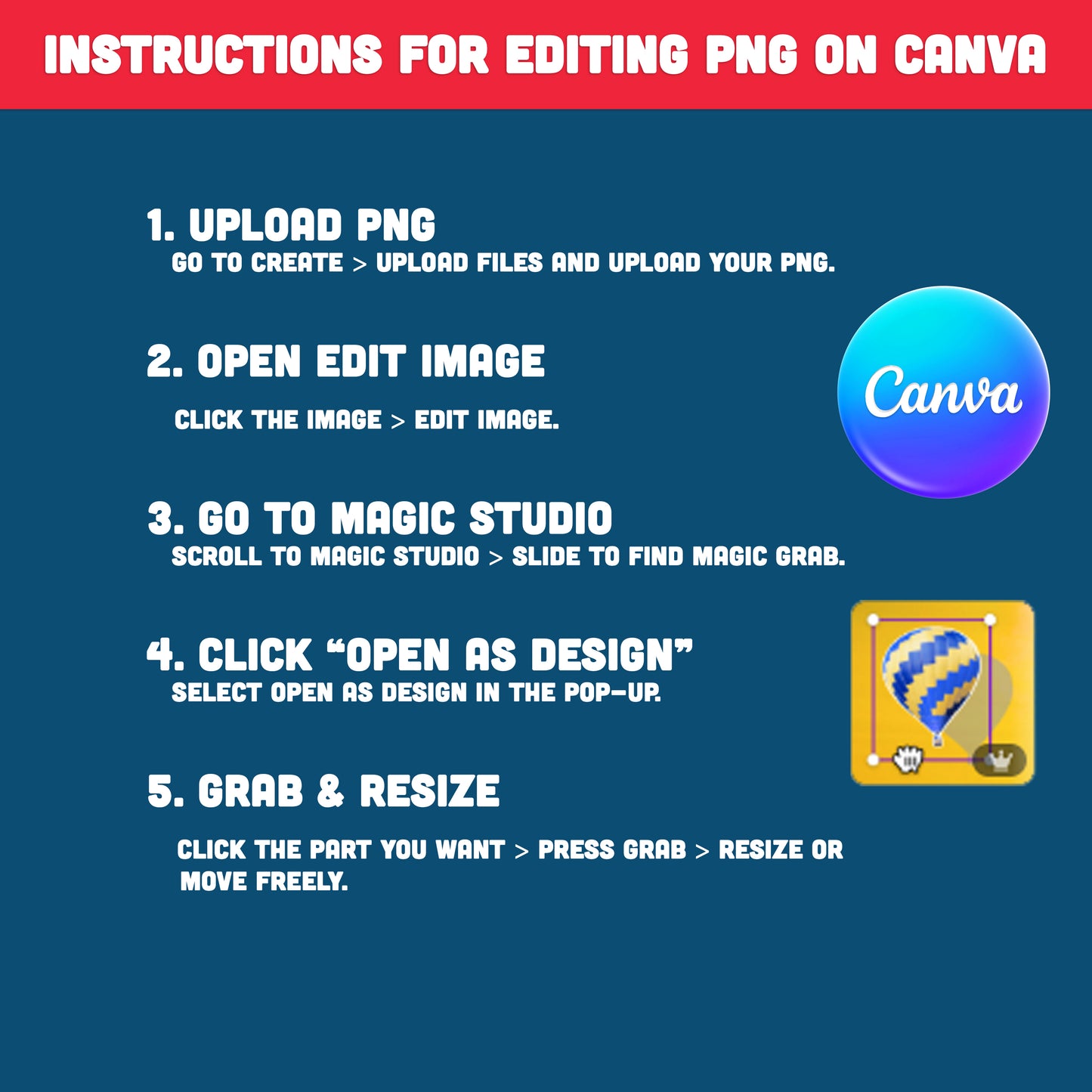
• Instructions for editing PNG on Canva
How to Resize Your Image in Canva (Easy Step-by-Step Guide)
Follow these simple steps to resize any element—quickly and easily—using Canva’s Magic Grab tool:
1. Select “Create” and upload your PNG file
Click Create → Upload files to upload the PNG image you want to edit into Canva.
2. Choose “Edit image”
After your image appears on the canvas, click on it and select Edit image from the top toolbar.
3. Open the “Magic Studio” menu
Scroll through the editing tools and open Magic Studio. Slide to the right to find Magic Grab.
4. In the pop-up box, click “Open as design”
When Canva displays a pop-up window, select Open as design to continue.
5. Use Magic Grab to resize the selected part
Click on the area of the image you want to adjust—such as a hat.
Then press the Grab button on the left side. The selected part will now separate from the image, allowing you to resize, move, or adjust it freely.
Print, create, and display—this simple craft makes it easy to add personality to any activity space. Download now and enjoy a flexible, engaging resource that kids will want to revisit again and again.
. . . . . . . . . . . . . .
WHAT YOU WILL RECEIVE
• You’ll receive a ZIP file including 10 Light Skin PDFs + 10 PNGs, 10 Dark Skin PDFs + 10 PNGs, and 10 Coloring Pages—all in 300 DPI, ready to use, with easy Canva-friendly instructions for editing the PNG files.
• Digital file. No printed products will be mailed.
• You can print from home or at your local print shop.
• Print on Letter size Card Stock (8.5"x11")
. . . . . . . . . . . . . .
JUST DOWNLOAD, PRINT, AND GET STARTED
* This item comes as a high-resolution file that you can download straight after purchasing.
* You can print as many copies as you want.
. . . . . . . . . . . . . .
NOTE
* This is a digital item.
* No physical product or printed material will be shipped.
* Following payment, you'll receive a download link where you can download the digital files for this product instantly.
* No refunds as this is a digital product.
. . . . . . . . . . . . . .
TERMS OF USE
» Personal Use. You may print the files as many times as you like for your own personal use.
» Reselling or sharing is not allowed.
» All sales are final due to the nature of digital products.
» Copyright © Little Melon Press. Copyright does not transfer with sale.
Share